Skip to content

How to Use An Induction Hob

How to Use An Induction Hob

Induction hobs combine the speed and precision of gas cooking with the sleek, modern aesthetic of a smooth glass surface. The way induction cooking works is quite different from traditional gas or electric cooking, using electromagnetic energy to heat only the cookware, rather than the cooktop surface itself. This makes it more energy-efficient and quicker in terms of reaching cooking temperatures. Here’s a comprehensive guide to help you master the art of cooking on an induction cooktop.


How Induction Cooking Differs from Other Types

Induction hobs work by creating an electromagnetic field beneath the glass surface, which then directly heats the cookware, instead of heating the cooktop itself. This means:

  • Instant Heating: Induction hobs heat up much faster than traditional electric or gas stoves.
  • Cooler Surface: Since the cooktop surface doesn’t directly heat up, it remains cooler than gas or electric hobs, making clean-up easier.
  • Precision: You can easily adjust the temperature on an induction hobs with pinpoint accuracy, similar to cooking with gas.

In short, induction cooking offers faster, cleaner, and more precise cooking.

921-加热动效.gif__PID:087fd4cd-c4f5-46f5-ad14-c77f10bb8cf9


Step-by-Step Guide: How to Use an Induction Hob

Using an induction hob is very similar to using gas or electric hobs but with a few important differences. Follow these simple steps to get the most out of your induction stove.


Step 1: Turn On the Cooktop

Press the Power button on the control panel. This will activate the cooktop and a light will appear above the controls, signaling that it is turned on.

Step 2: Place Compatible Cookware on the Heating Element

Induction hobs require cookware made from ferromagnetic materials such as cast iron, enameled steel, or induction-ready stainless steel. This is essential because induction cooking works by creating an electromagnetic field that only affects ferromagnetic materials.

Ensure the diameter of your cookware matches the size of the heating zone you wish to use for optimal performance.

Step 3: Select a Cooking Zone

Choose the heating zone you want to use by selecting it on the control panel. An indicator light will signal that the heating zone is active, and the timer will start counting down.

Tip: Most induction cooktops will automatically shut off after one minute of inactivity. Be ready to make your selections quickly!

Step 4: Adjust the Heat Setting

Use the slider or buttons on the control panel to adjust the heat level. Induction hobs allow for rapid changes in temperature, so keep an eye on your food to prevent burning or overcooking.

Consult your cooktop’s manual for specific heat functions (e.g., boiling, simmering, or frying).

Step 5: Turn Off the Cooktop

Once you’ve finished cooking, press the ON/OFF button to turn off the cooking zone. Then, press the Power button to turn off the entire cooktop.

Hot Surface Indicator: Even if the cooktop is off, the surface may still be hot. The Hot Surface Indicator will light up if the surface is too hot to touch.


How to Use an Induction Hob: Special Features and Functions

Induction hobs, like those from Ciarra, offer a variety of advanced features designed to make your cooking experience faster, safer, and more efficient. In addition to the standard cooking functions, many modern induction hobs include features like FlexZone, Boost, Timer, and advanced safety features. Here's how to make the most of these special functions.

1. Using the FlexZone Function

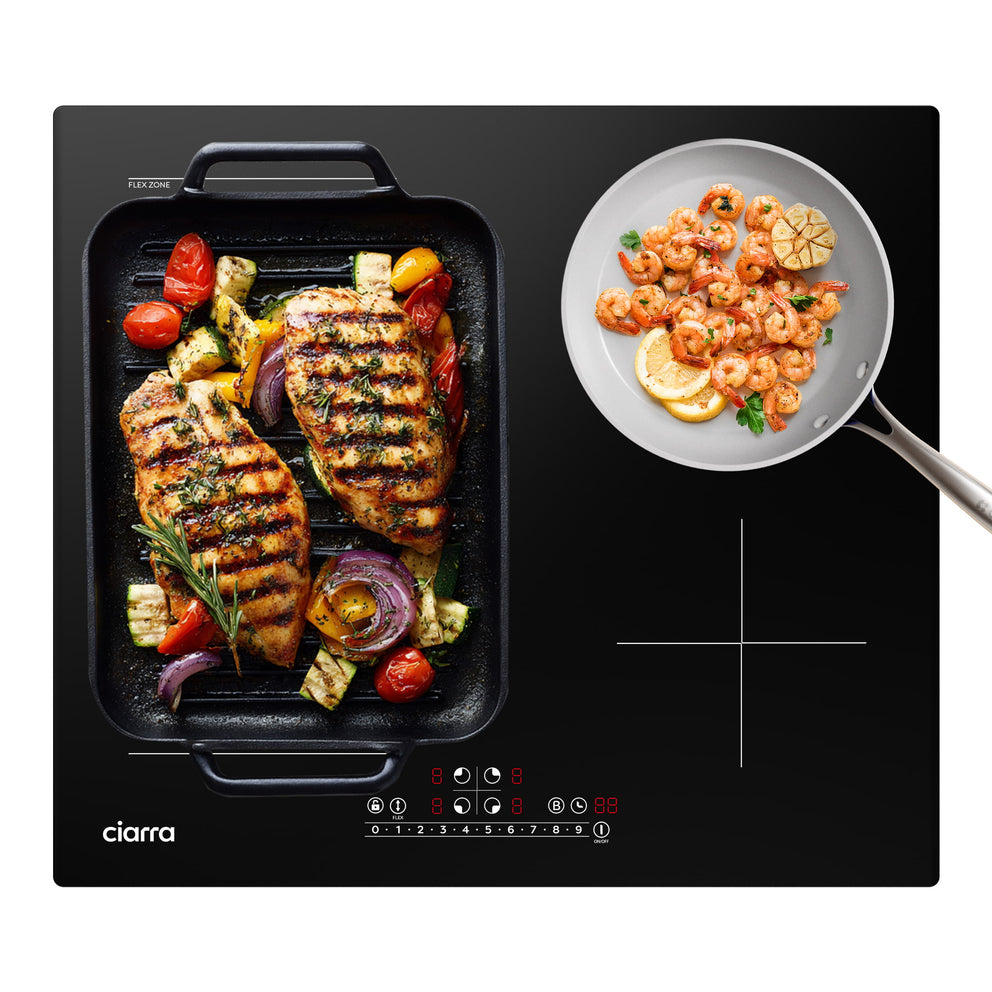
The FlexZone function on an induction hob allows you to combine two separate cooking zones into one larger zone, giving you more flexibility, especially when using larger pans or pots.

How to Use the FlexZone:

Activate FlexZone: On your Ciarra induction hob, press the corresponding FlexZone button to combine two adjacent cooking zones into one larger zone.

Proper Cookware Placement: For the best results, place your cookware in the center of the combined cooking area. The induction hob will automatically detect the pan’s position and adjust the heat accordingly.

Switch Between FlexZone and Individual Zones: If you want to use the two zones independently again, press the FlexZone button once more. The zones will return to normal, and each will operate as an individual cooking zone.


921-光效.gif__PID:35319684-dd57-4697-a3b6-425026f8f41a


2. Using the Boost Function

The Boost function is designed to give your induction hob a powerful burst of heat, perfect for boiling water or quickly heating large amounts of food. It temporarily increases the power level to the highest setting, speeding up the cooking process.

How to Use the Boost Function:


Activate Boost: Simply press and hold the Boost button or select the Boost mode on your control panel. The cooking zone will instantly switch to the maximum power setting.

Quick Heating: This feature is especially useful for tasks like boiling water for pasta or making tea in a hurry. It significantly reduces the cooking time for such high-heat tasks.


Important Note:

While using the Boost function, be mindful that the power consumption increases, so ensure you are using it for short periods to avoid unnecessary energy usage.

3. Using the Timer Function

The Timer function allows you to set cooking times for each individual cooking zone. Once the set time expires, the hob will automatically turn off the corresponding cooking zone, helping you avoid overcooking or burning food.


How to Use the Timer Function:

Set the Timer for a Cooking Zone: Select the cooking zone you wish to set the timer for. Then press the Timer button. The timer display will show the default time, typically 30 minutes.


Adjust the Time: Use the slider or the +/- buttons to adjust the time. Once you've set the time, the countdown will begin, and the cooking zone will automatically switch off when the time is up.

Multiple Timers: If you are cooking on multiple zones, you can set different timers for each zone. The timer will always show the shortest remaining time. A flashing dot will appear next to the corresponding zone to indicate which one is active.

Example:

You can set one zone to cook a stew for 30 minutes while simultaneously setting another zone to cook rice for 20 minutes. Each zone will turn off automatically when the timer expires.

4. Safety Features

Induction hobs like those from Ciarra come equipped with various safety features to protect you and your appliance. These include Child Lock, Overheating Protection, Residual Heat Warning, and Automatic Shutdown.

Child Lock:

How to Activate: To prevent accidental use by children, press and hold the Child Lock or Key Lock button for 3 seconds. This will lock the control panel except for the On/Off button.

How to Unlock: When the hob is turned on, press and hold the Child Lock button again for 3 seconds to unlock it and regain full control.

Overheating Protection:

What It Does: If the hob detects that the temperature is getting too high, it will automatically stop cooking to prevent damage. This is particularly useful if the hob is accidentally left on for too long or the cookware is not suitable for induction cooking.

Residual Heat Warning:

What It Does: After cooking, the cooking zone may remain hot for a short time. A “H” will be displayed on the corresponding zone to warn you that it is still hot. Always be cautious when cleaning or touching the area immediately after cooking.

Automatic Shutdown:

What It Does: If a cooking zone is left on for too long without interaction, it will automatically shut off after a set time to prevent the hob from being left on unintentionally.

By following these steps and safety guidelines, you can ensure a smooth and efficient cooking experience with your induction hob. Always remember to clean your cookware and the hob's surface before and after use for optimal performance.


Explore Ciarra® Induction Hobs

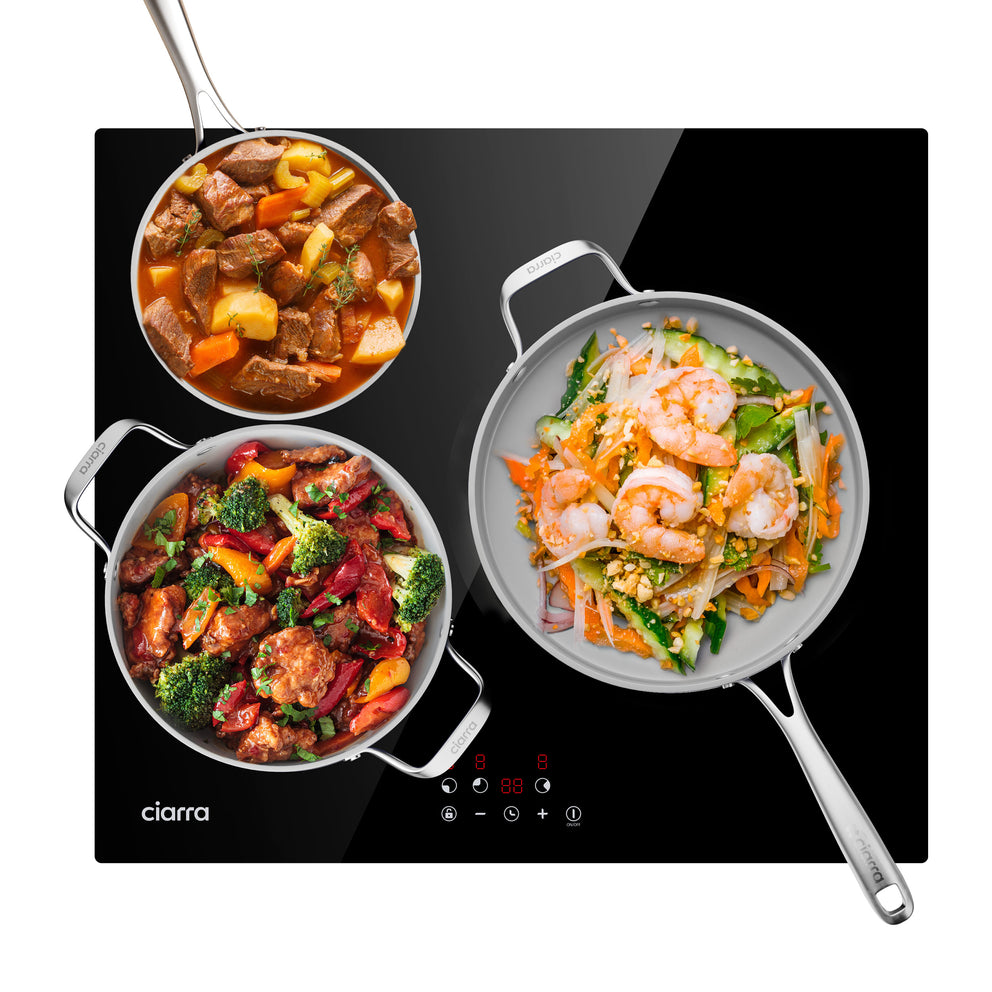
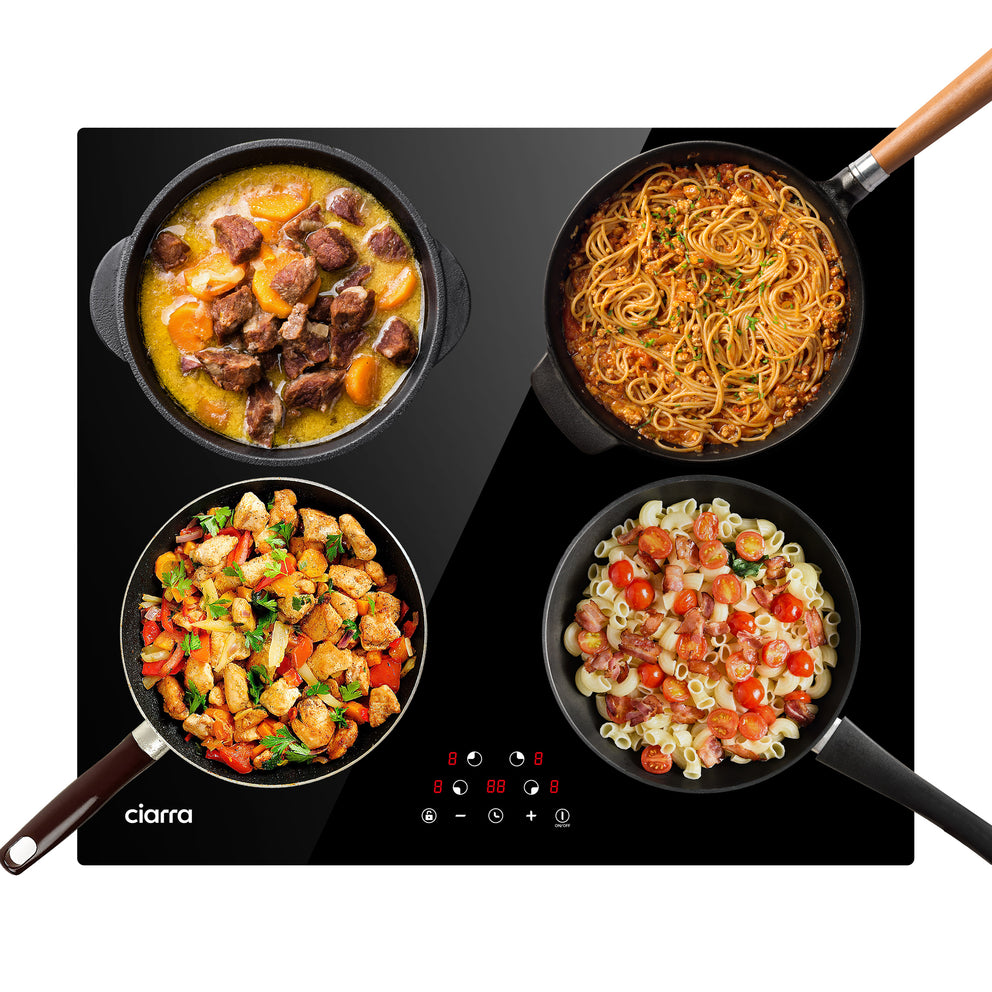
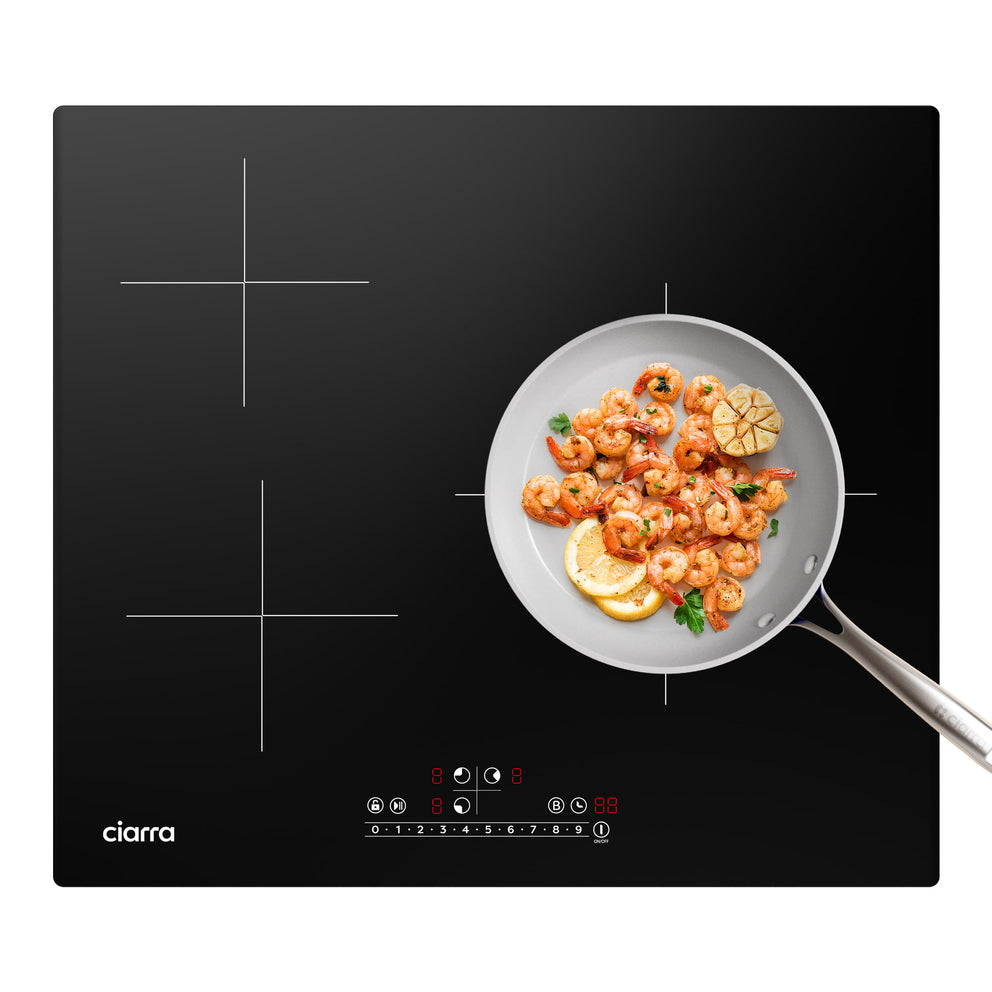
For every passionate cook, having the right induction hob is essential—whether you’re searing, simmering, or experimenting with new recipes. Ciarra® offers a wide range of induction hobs to suit your kitchen and cooking style. Choose from models with 1 to 4 cooking zones, or upgrade to a FlexZone or Boost feature for ultimate flexibility and speed. With options designed to fit every kitchen and cooking preference, Ciarra® induction hobs bring precision and power to your cooking experience.

WHY BUY FROM CIARRA?
Buy Now for Maximum Savings!

Exclusive products, bundles &deals

Elevate your shopping experience with one-of-a-kind finds and exclusive deals.

30-day money-back guarantee

3O-Day Returns, Refunds and Exchanges Policy

Free shipping on each orders

Free shipping on each orders.Exclusions may apply. For more details see shipping information.

Easy product warranty registration

At Ciarra, we stand behind the quality and performance of every product we create.

Log in to your account

It’s great to see you back.

Cancel

Forgot your password?
Don’t have an account? Sign up

Quick cart

0 Items in your shopping cart.